Resources | AOPP Portal User Guide
Prove Wallet Ownership with BitBox02
and the AOPP Portal
Due to regulatory changes, exchanges in certain jurisdictions, like Switzerland and the EU, must have their customers confirm wallet ownership in specific circumstances. Failure to do so could result in severe fines or the permanent shutdown of the exchange.
However, proving ownership over a particular wallet address via the AOPP Portal is quick and straightforward. Below, we explain how to do this with a BitBox02.
Proving Self-hosted Wallet Address Ownership with a BitBox02
Step 1
Connect your BitBox02 device to your computer, open the BitBox application and unlock your BitBox02.

Step 2
When you request your crypto exchange to withdraw or deposit from a self-hosted wallet, it will direct you to the AOPP Portal.
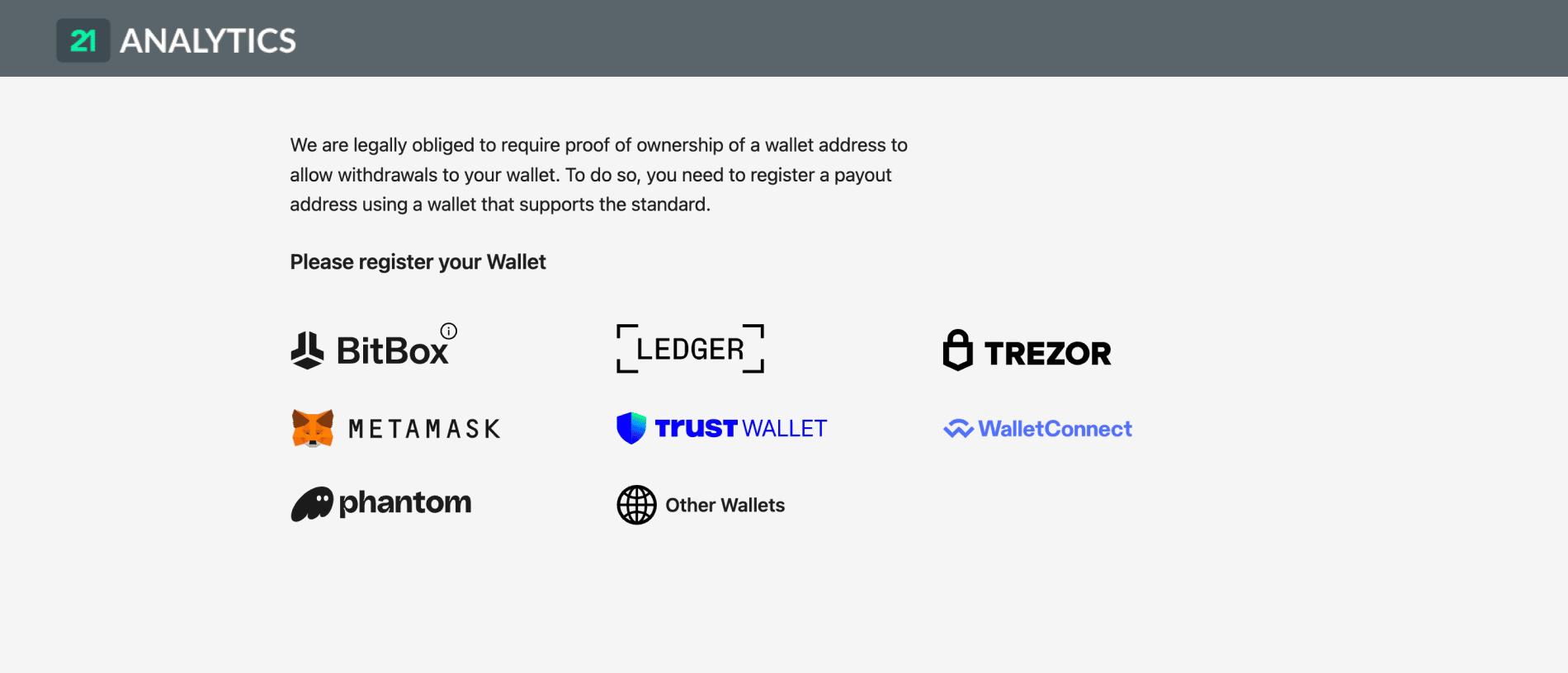
Once in the AOPP Portal, select BitBox as your wallet type.
Step 3
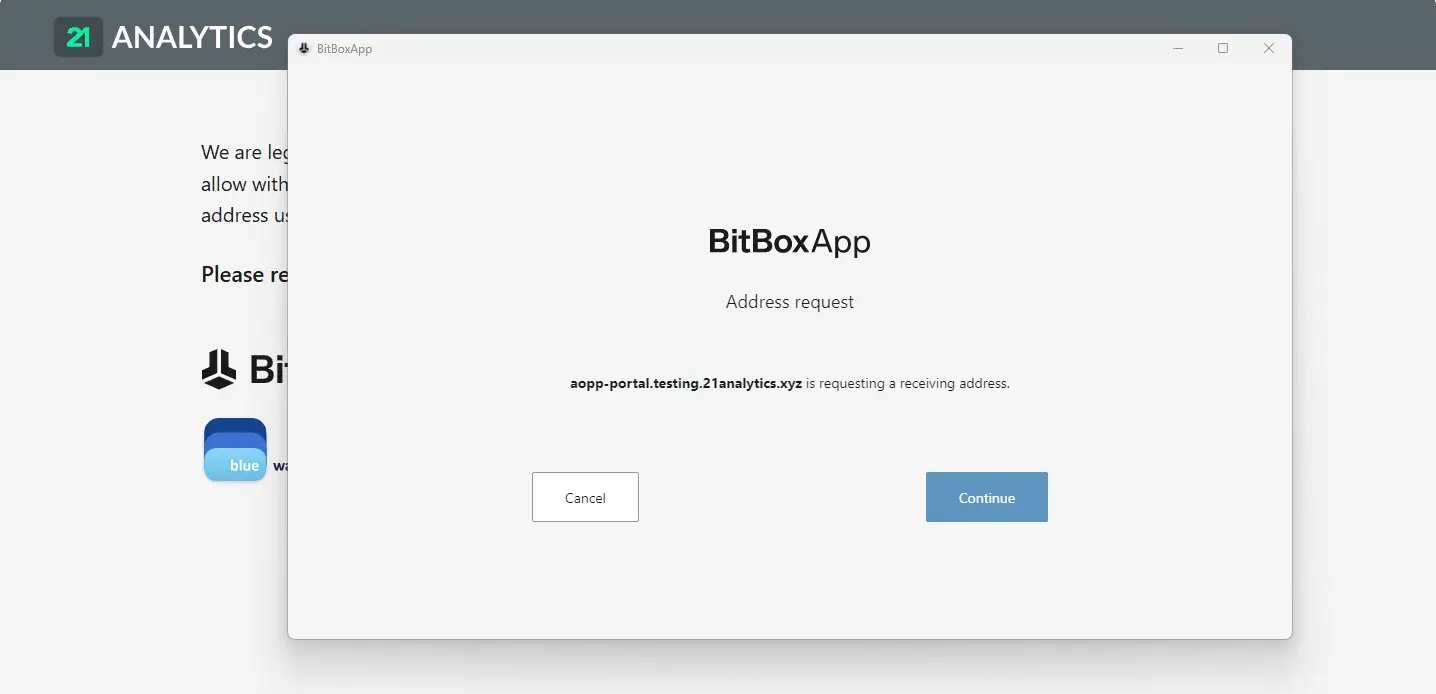
After selecting BitBox, an address request from the AOPP Portal will automatically open in your BitBoxApp. Select Continue.
Step 4
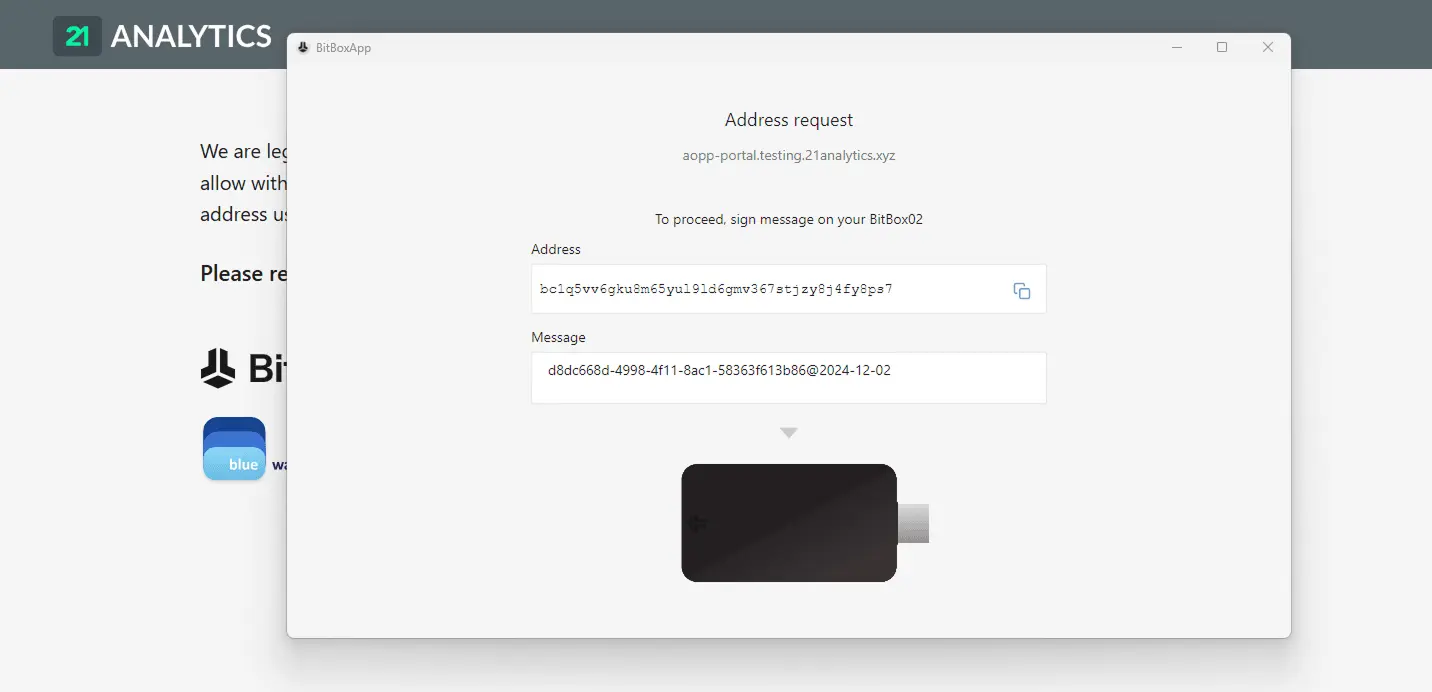
Within the BitBoxApp, you will be prompted to sign a message on your BitBox.
Step 5
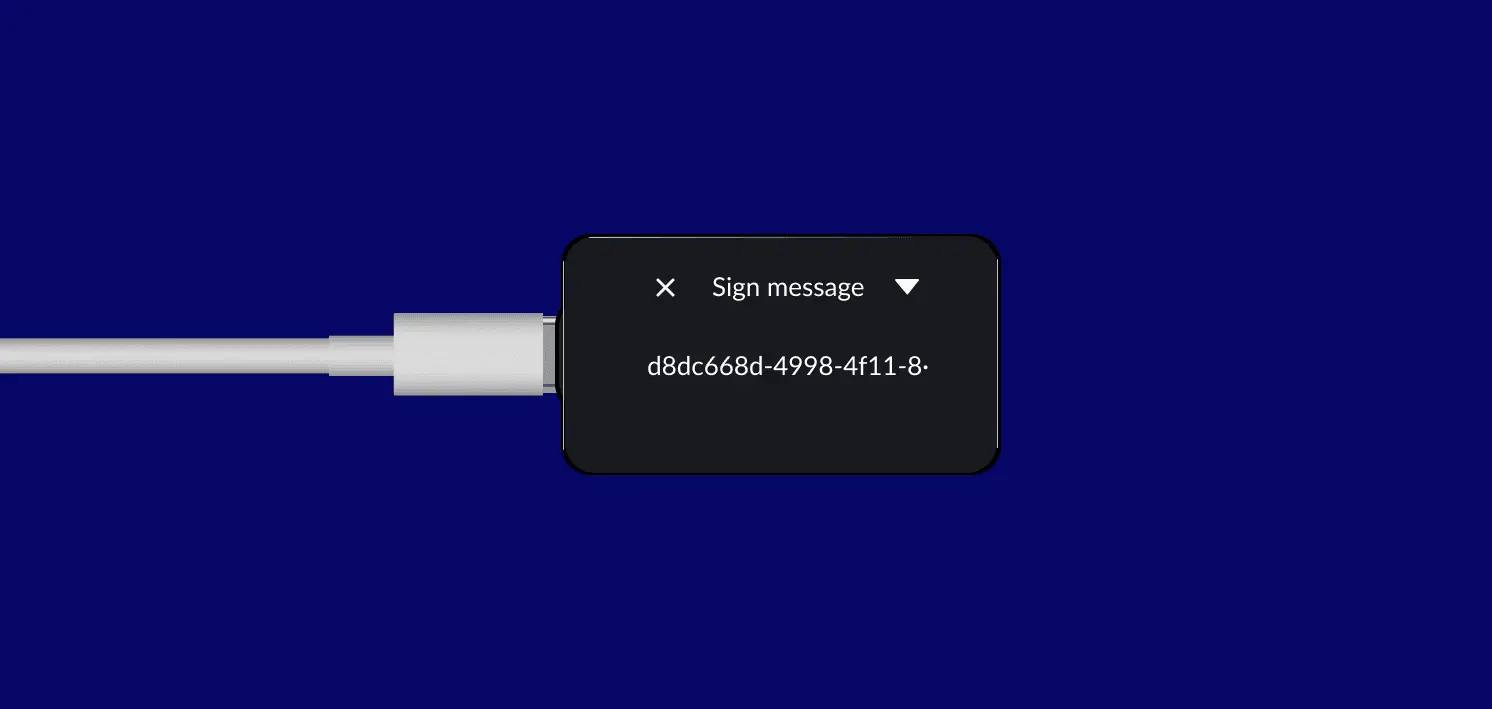
On your BitBox device, you will be prompted to sign message. Select next.
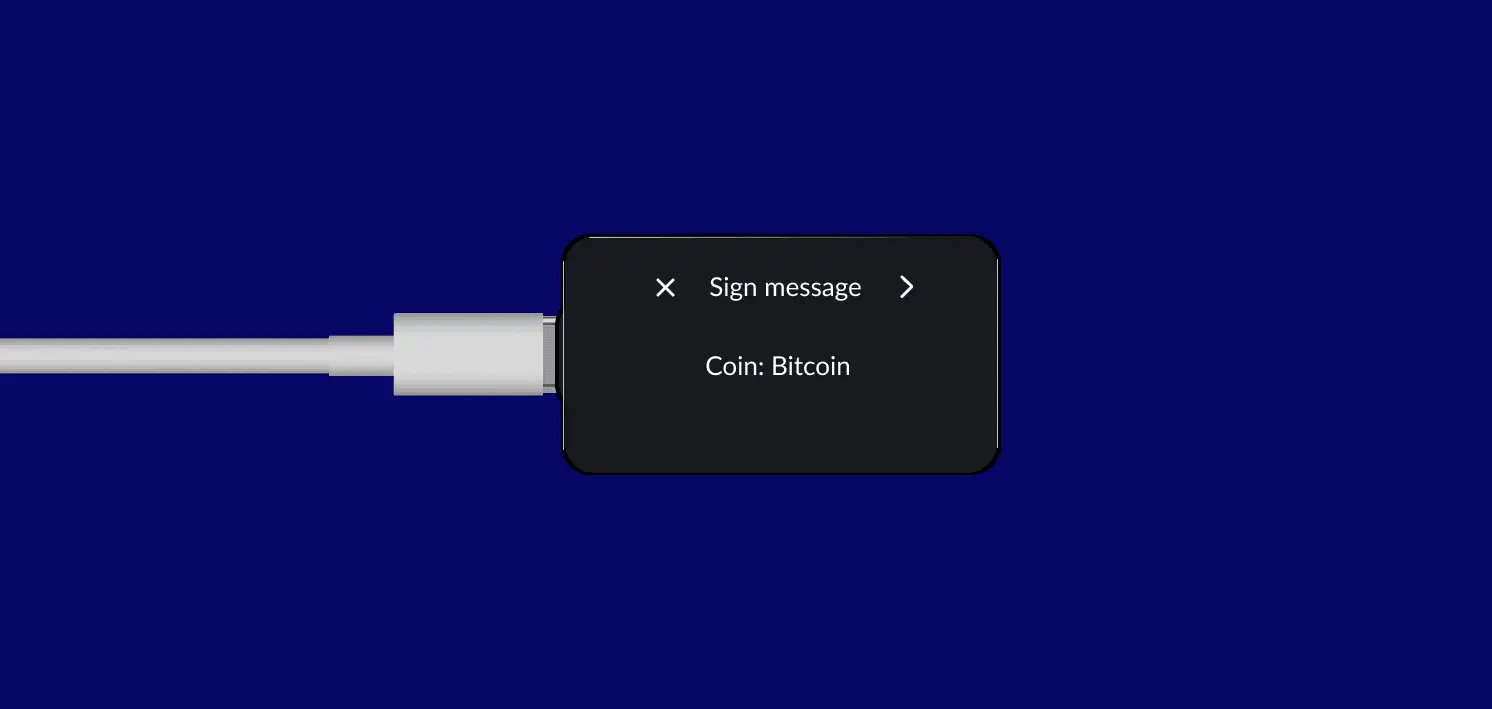
Your address will be displayed. Select next again.

The signature you generated will appear. Click to sign the message.
Step 6
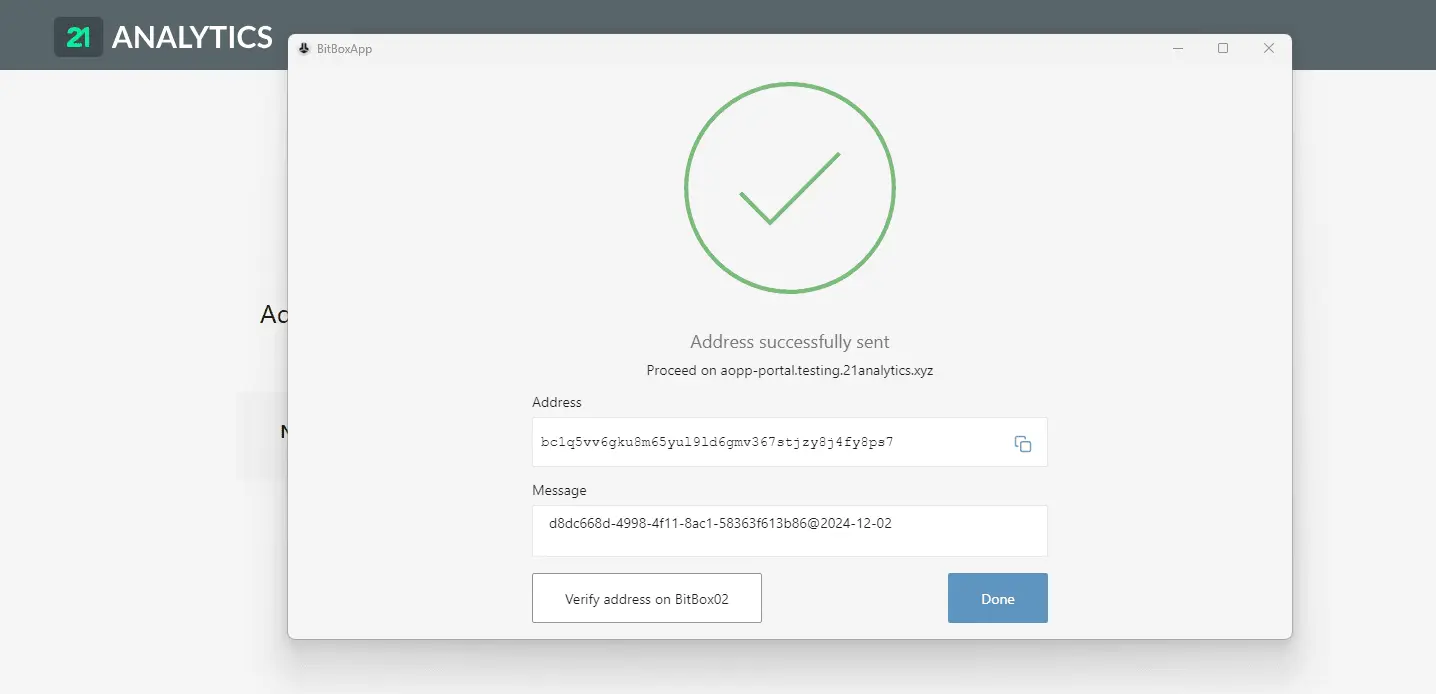
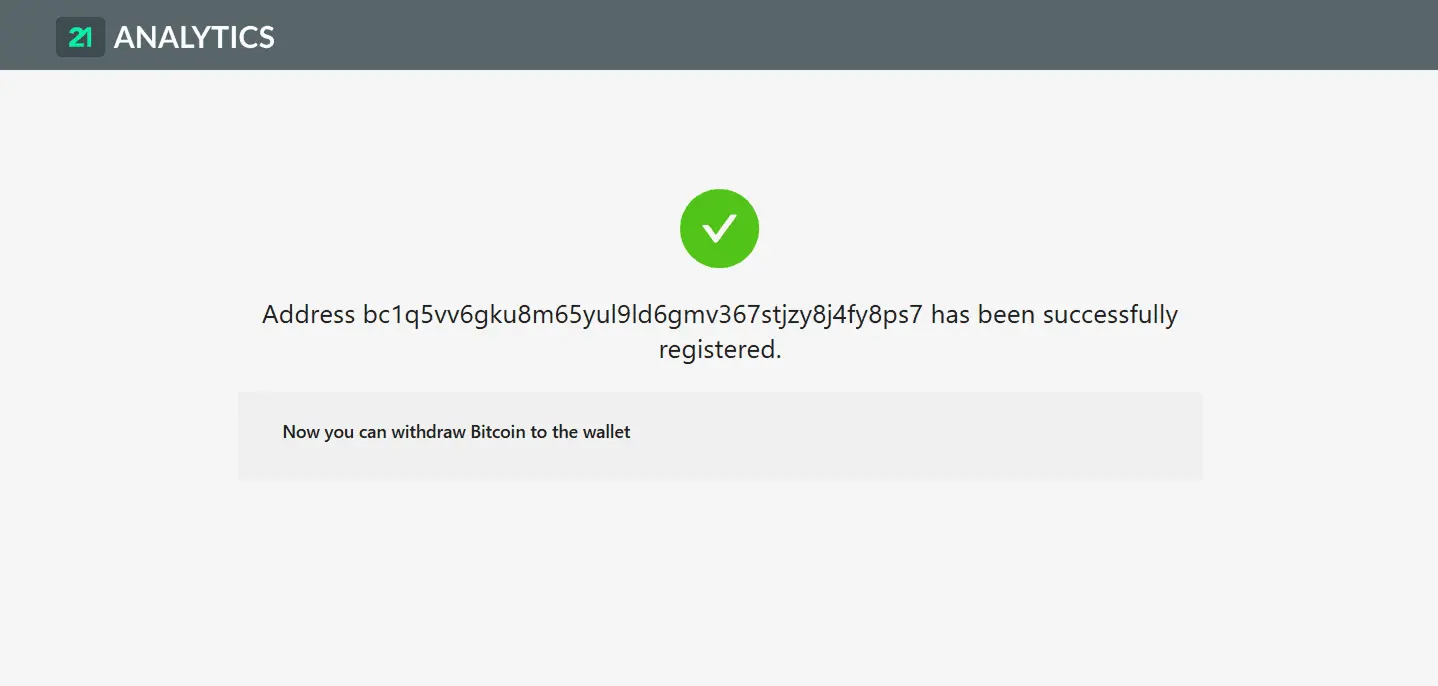
After completing the process, a success message will be displayed within the BitBoxApp. Select Done. You can now continue with the withdrawal or deposit in the exchange's environment.
What Is the AOPP Portal?
The AOPP Portal enables customers to easily prove ownership of a wallet address to their digital asset provider (for example, their exchange).
The AOPP Portal allows you to send a cryptographic signature to your digital asset provider, proving that you control a wallet address.
Is My Privacy at Risk?
No. Proving ownership of an address is just sending a signature (a text string) to your digital asset provider, which allows them to verify that you own a specific wallet address. This information is not published on any blockchain or distributed ledger. This data is heavily protected and not shared with any compliance technology, as your digital asset provider will store it on-premises.
Do I Need to Pay to Prove I Own my Wallet Address?
Proving ownership through the AOPP Portal is free, unlike other methods, like the Satoshi Test, which incurs costs, such as the mining fee to perform a microtransaction.
After I Prove Ownership, Where Does My Proof Go?
Within milliseconds of proving ownership via the AOPP Portal, your proof is automatically sent to your exchange. Moreover, only your exchange will have access to this proof, ensuring there is no leakage of the information to a distributed ledger or any other system.
Can My Exchange Access The Coins In My Self-hosted Wallet?
No. Your exchange, as well as any other party, can only access your coins in your self-hosted wallet if you hand them your private key.
In an AOPP verification, instead, you use your private key to sign a message and share only that signature, which allows verification without any insight into your private key.